Emergency schedule management
Access restrictions
You must be connected with a DC-Maestro Administrator account to carry out operations on schedules.
From the Administration menu, click on Schedules to display the list of schedules.
All schedules, both public and private, are visible from the administration.
Actions available
From this view, you can
-
stop or (re)start an execution
-
activate or deactivate a schedule
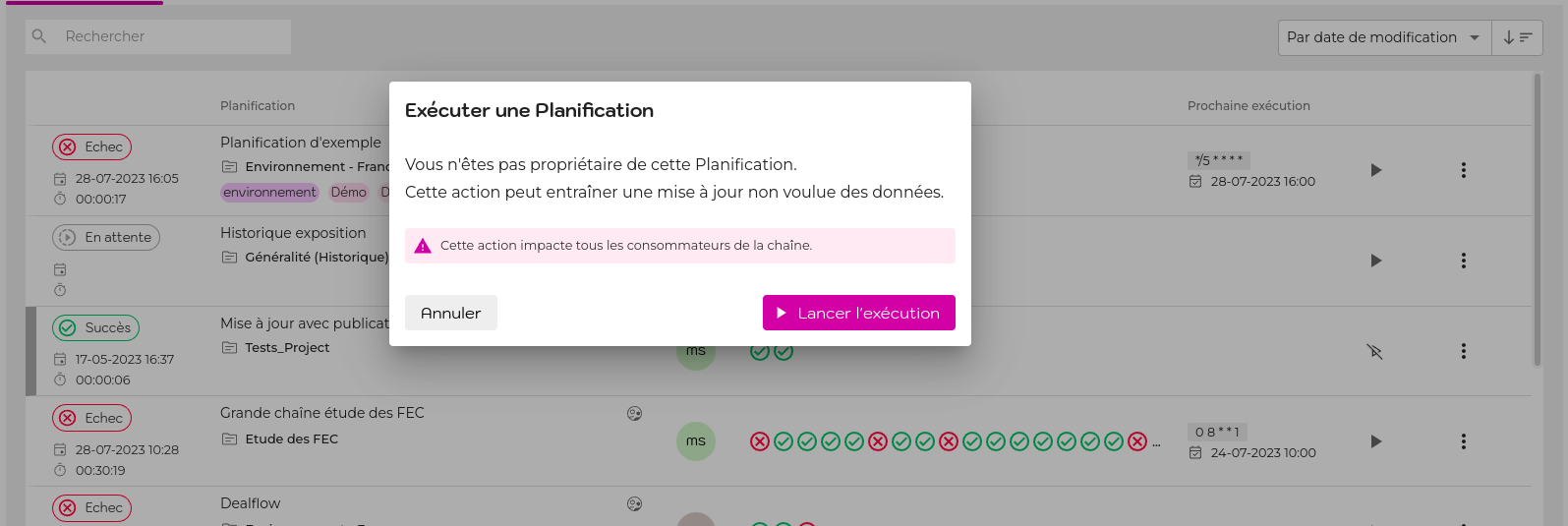
If it is not a schedule for which you are the owner, you will be asked to confirm your action.
Dernière mise à jour le 5 décembre 2024 à 09:39